Boost your productivity with this screen-sharing app
AirDroid Cast-screen mirroring is a utilities and tools app. It’s a screen-sharing and controlling tool that facilitates seamless interactions. It offers a range of features that make it ideal for both individual users and businesses, enabling enhanced productivity during remote meetings, presentations, online teaching sessions, gaming, and live-streaming activities.
Top Recommended Alternative

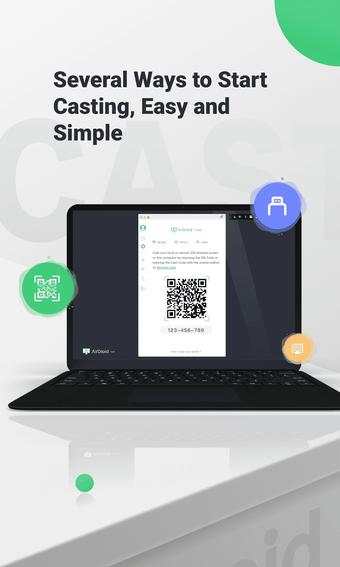
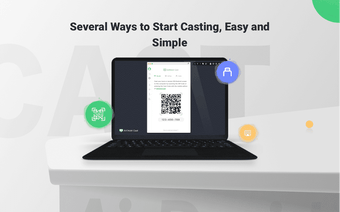
AirDroid Cast-screen mirroring includes multiple ways to initiate casting. You can scan a QR code, input the Cast Code, or use a USB cable to quickly and efficiently cast your screen to a computer. The app has different monthly or annual pricing plans depending on your needs, local casting is free though.
Seamless control
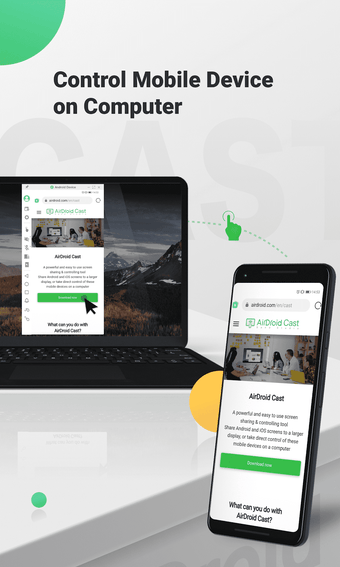
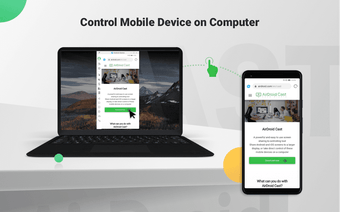
One of the standout functionalities of AirDroid Cast is its ability to allow you to control mobile devices directly from your computers. After installing it, you can click, scroll, and type on your mobile devices through your desktop, eliminating the need to physically handle the phone or tablet. This proves highly beneficial for multitasking and enhancing workflow during remote work scenarios.
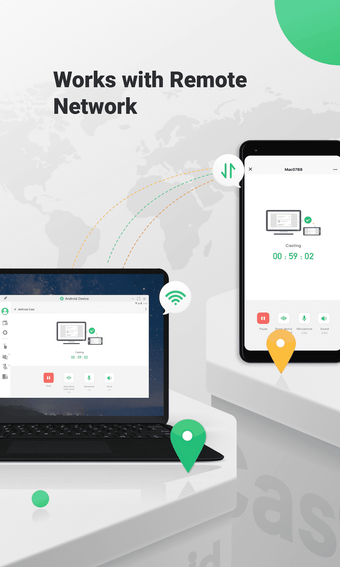
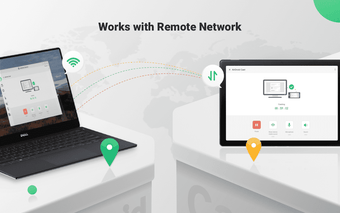
Moreover, it stands out with its support for two-way audio, enabling you to communicate directly with meeting attendees during remote meetings or online presentations. This feature enhances communication efficiency and facilitates productive discussions, bridging the gap between participants regardless of their physical location. Its compatibility with remote networks is another advantage. Unlike many screen-mirroring tools that are limited to local area networks, it overcomes this constraint.
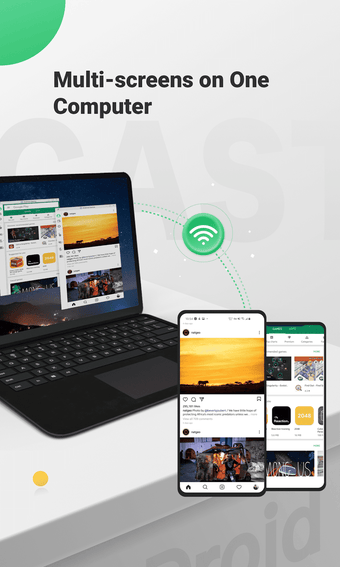
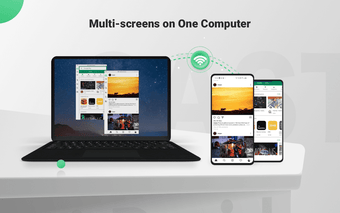
Another impressive feature of this app is its capability to cast multiple devices simultaneously onto a single computer. Supporting up to five devices at once, you can enjoy multiplayer gaming or view all attendees' content during meetings, making it ideal for interactive and collaborative sessions. However, while it is generally compatible with a wide range of devices, some older or less common devices may face compatibility challenges.
Enhanced communication
AirDroid Cast-screen mirroring is a powerful and user-friendly screen-sharing and controlling tool that enhances productivity and collaboration during remote interactions. Its ability to bridge the gap between mobile devices and computers, along with its multiple features and compatibility with various network environments, makes it an invaluable asset for individuals and businesses seeking efficient and effective remote communication and collaboration solutions.


.png)